Numerical Checks
for Multiple Choice Questions
The graphing calculator allows for
several methods of checking or comparing multiple choice answers.
Let's look at the checking of algebraic problems using a numerical
format.
Process:
- Choose your "favorite" non-integer number (a decimal value) and store the
value in x
(keep the number simple).
To store 7.2: 7.2
sto x (sto command is above  key) key)
- Hit
 . .
- Enter the algebraic expression
from
the problem on the "calculator" screen using x as your
variable. If the problem is using a, instead of x, you can enter a from the keyboard.
- Hit to get your numerical
value.
- Enter each of the possible
multiple choice answers on the home screen.
- Hit to get their numerical
values.
- Find the answer that matches the
answer from the original algebraic expression.
|
|
|

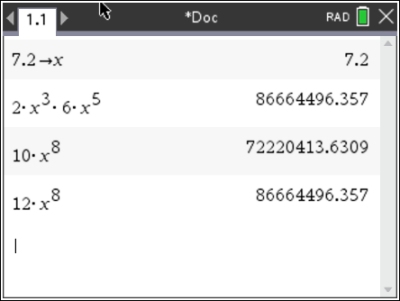
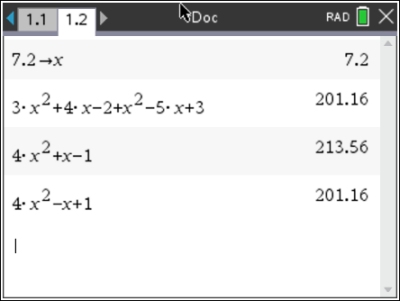
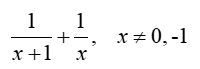


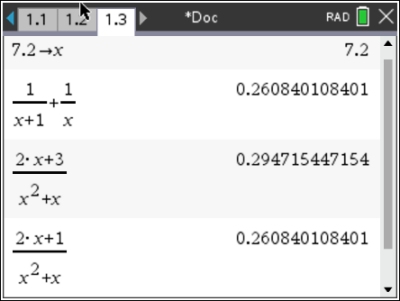
 (4)
(4)